Before you begin driving, you must sign in to the Samsara Driver App and select your vehicle.
To sign in to the app:
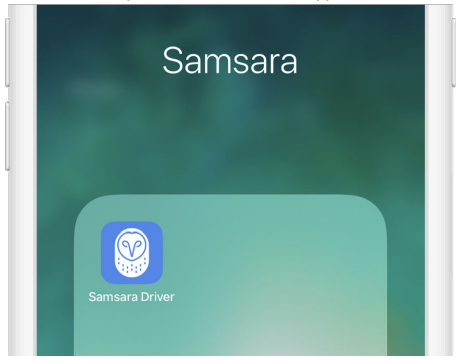
Download and open the Samsara Driver App
Enter your Fleet ID, username, and password and tap Sign In.
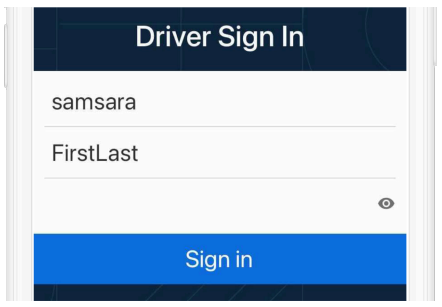
Write your Fleet ID, username, and password hint down for easy access. If you don’t have login details yet, contact your Fleet administrator. If you previously received login details but forgot your password, you can reset your Samsara Driver App Password.
Resetting Your Password
If after signing in to the Samsara Driver App you forget your password, you can reset it without assistance from your fleet manager
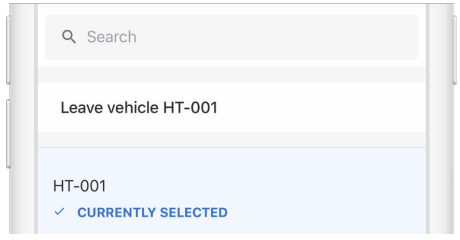
Select your vehicle from the list, or search for one.
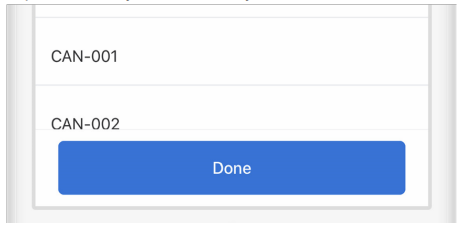
Tap Done when you've selected your vehicle